


Full source code
no resale rights
EveryPay Payment Gateway for WHMCS
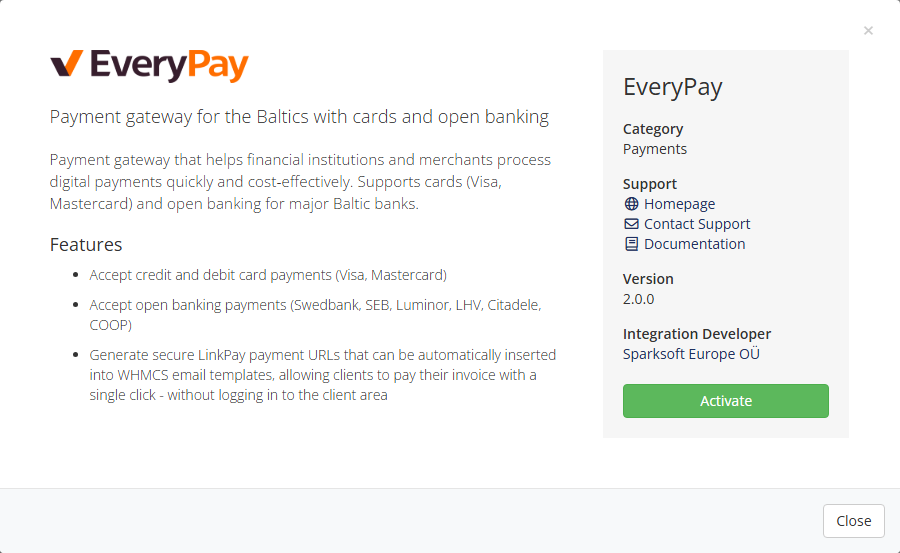
Accept Visa/Mastercard and Open Banking in Estonia, Latvia and Lithuania via EveryPay’s secure hosted checkout. Embed LinkPay one‑click payment URLs directly into WHMCS email templates — clients pay invoices without logging in.
Key Features
- Cards (Visa / Mastercard): secure off‑site hosted checkout with 3‑D Secure (SCA). No PCI scope on your side.
- Open Banking (Baltics): Swedbank, SEB, Luminor, LHV, Citadele, COOP — fast redirect flow for bank payments.
- LinkPay in emails: auto‑generate payment URLs; place them in “Invoice Created / Invoice Payment Reminder” templates for one‑click invoice payment.
- International-friendly: fast and effortless payments for customers from any country - ideal for cross‑border billing.
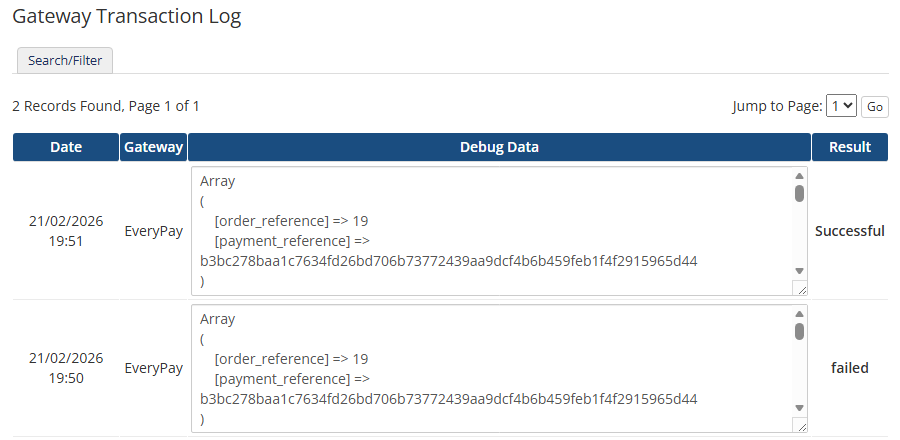
- Automatic callbacks: invoice status updates are applied instantly after payment.
- WHMCS native: follows gateway best practices; simple activation and configuration.
How LinkPay from emails works
Insert a dynamic payment URL into any WHMCS system email — clients pay with one click.
Example of a LinkPay URL:
The module generates the URL per invoice; clicking it opens EveryPay checkout → client pays → callback updates the WHMCS invoice automatically.
Callback & Email templates
Callback URL
Set the callback/return URL in your EveryPay settings to point to the module handler:
Email template usage
Add a payment button to invoice emails (example HTML snippet):
You can place the variable into email templates: Invoice Created, Invoice Payment Reminder etc.
Installation & Configuration
- From whmcs-payment-everypay-linkpay-by-sparksoft.zip upload files:
/includes/hooks/everypay.php
/modules/gateways/everypay.php
/modules/gateways/everypay/logo.png
/modules/gateways/everypay/whmcs.json
/modules/gateways/callback/everypay.php - Login as Admin to WHMCS
- In WHMCS, go to: Apps & Integrations → Browse → Payments → EveryPay → activate EveryPay.
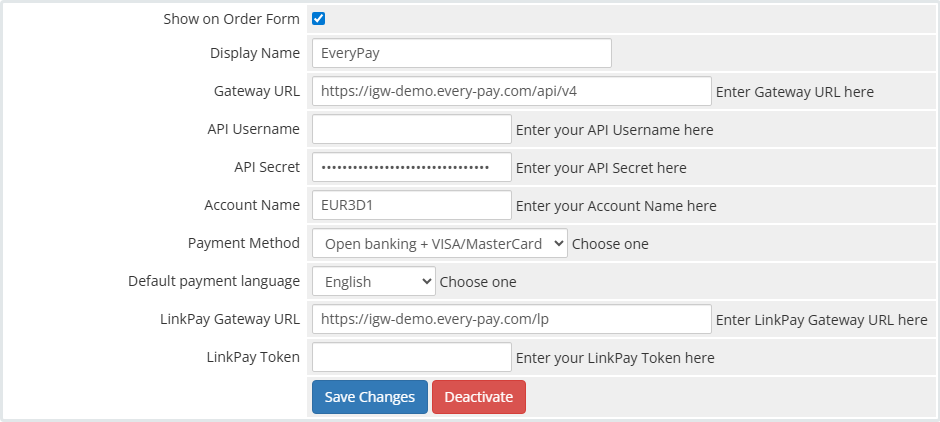
- Enter your EveryPay credentials:
- Gateway URL
Test environment: https://igw-demo.every-pay.com/api/v4
Production environment: https://pay.every-pay.eu/api/v4 - API Username, API Secret, Account Name
- see on Merchant portal.
Test Merchant Portal: https://mwt-demo.every-pay.com/merchant_settings/general
Production Merchant Portal: https://portal.every-pay.eu/merchant_settings/general
Note: API Username and API Secret are different in Production and Test environment. - Payment Method
choose a payment method: VISA/MasterCard or Open banking + VISA/MasterCard - Default payment language
set the default payment language. - LinkPay Gateway URL
Test environment: https://igw-demo.every-pay.com/lp
Production environment: https://pay.every-pay.eu/lp - LinkPay Token
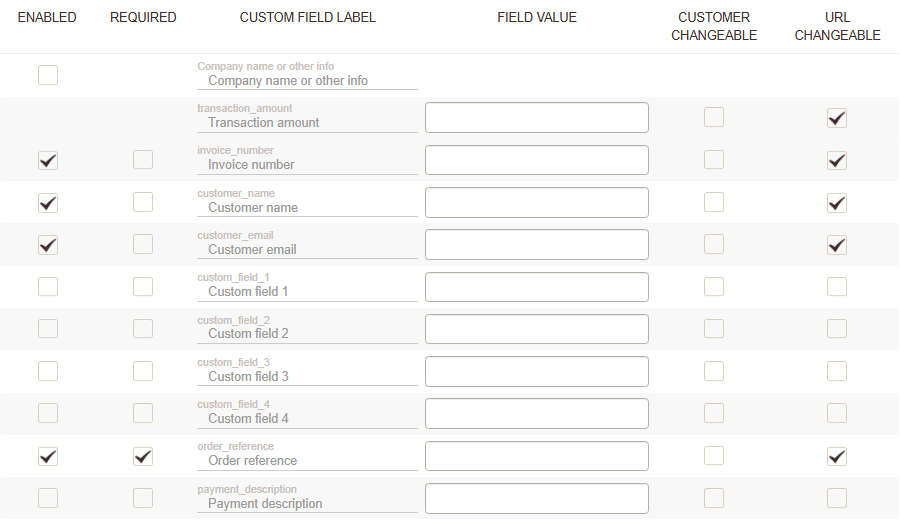
In Merchant portal:- Create a LinkPay link
- Enable fields (Invoice number, Customer name, Customer email, Order reference) and mark them as “URL Changeable”
- Save
- Copy LinkPay Token
- Gateway URL
- In the Merchant portal, go to: E-Shop Settings → E-Shop → enter your Callback
URL
Callback Notification URL: https://yourwhmcs.tld/modules/gateways/callback/everypay
LinkPay Notification URL: https://yourwhmcs.tld/modules/gateways/callback/everypay -
Update invoice email templates to include
{$everypay_linkpay_url}or the button snippet.